
How to Stop IPTV Buffering: 5 Easy Ways to Fix Lagging Streams
There is nothing more frustrating than having your stream freeze right before a crucial goal or during the climax of a movie. While IPTV providers are often blamed, buffering is usually caused by local network congestions or ISP restrictions. Here are 5 proven ways to fix it.
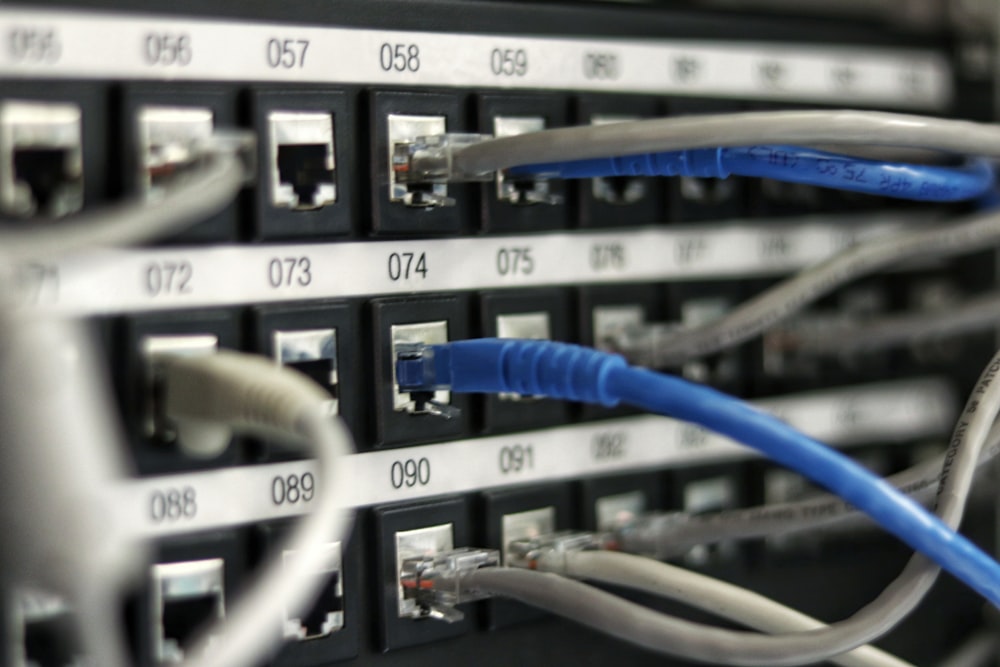
1. Switch to a Wired Ethernet Connection
While modern Wi-Fi is fast, it is highly prone to signal interference, packet loss, and fluctuations. Thick walls, household electronics, and neighboring networks can disrupt the data flow. Connecting your Smart TV or streaming device directly to your router with an Ethernet cable provides a stable, continuous stream and resolves 80% of buffering issues.
2. Check and Optimize Your Internet Speed
Streaming high-definition video requires stable, continuous bandwidth. Here are the recommended download speeds:
- Standard Definition (SD): 5 Mbps
- High Definition (HD): 15 Mbps
- Ultra HD / 4K: 25 Mbps
Run a speed test on your streaming device. If your speeds are lower than expected, disconnect other devices connected to your network or upgrade your internet plan.
3. Bypass ISP Throttling with a VPN
Many Internet Service Providers (ISPs) actively monitor your network traffic. If they detect high-bandwidth streaming from IPTV servers, they may deliberately slow down (throttle) your connection to save network capacity. Using a secure VPN encrypts your traffic, preventing your ISP from seeing what you are streaming and bypassing their throttling systems.
4. Restart Your Router and Streaming Device
Routers and TV sticks (like Firesticks) accumulate cache and temporary memory files over time, leading to slow processing and stream delays. Simply unplugging your router and streaming device from the power outlet for 30 seconds and plugging them back in clears this cache, giving your network connection a fresh, clean start.
5. Clear Cache in Your IPTV Player App
Inside your player application (like IPTV Smarters or TiviMate), go to Settings ➡️ Applications ➡️ App Cache and select "Clear Cache". Overloaded player caches can cause the app to slow down and struggle to decode live streams.